Common Mistakes in AI-Generated Faces
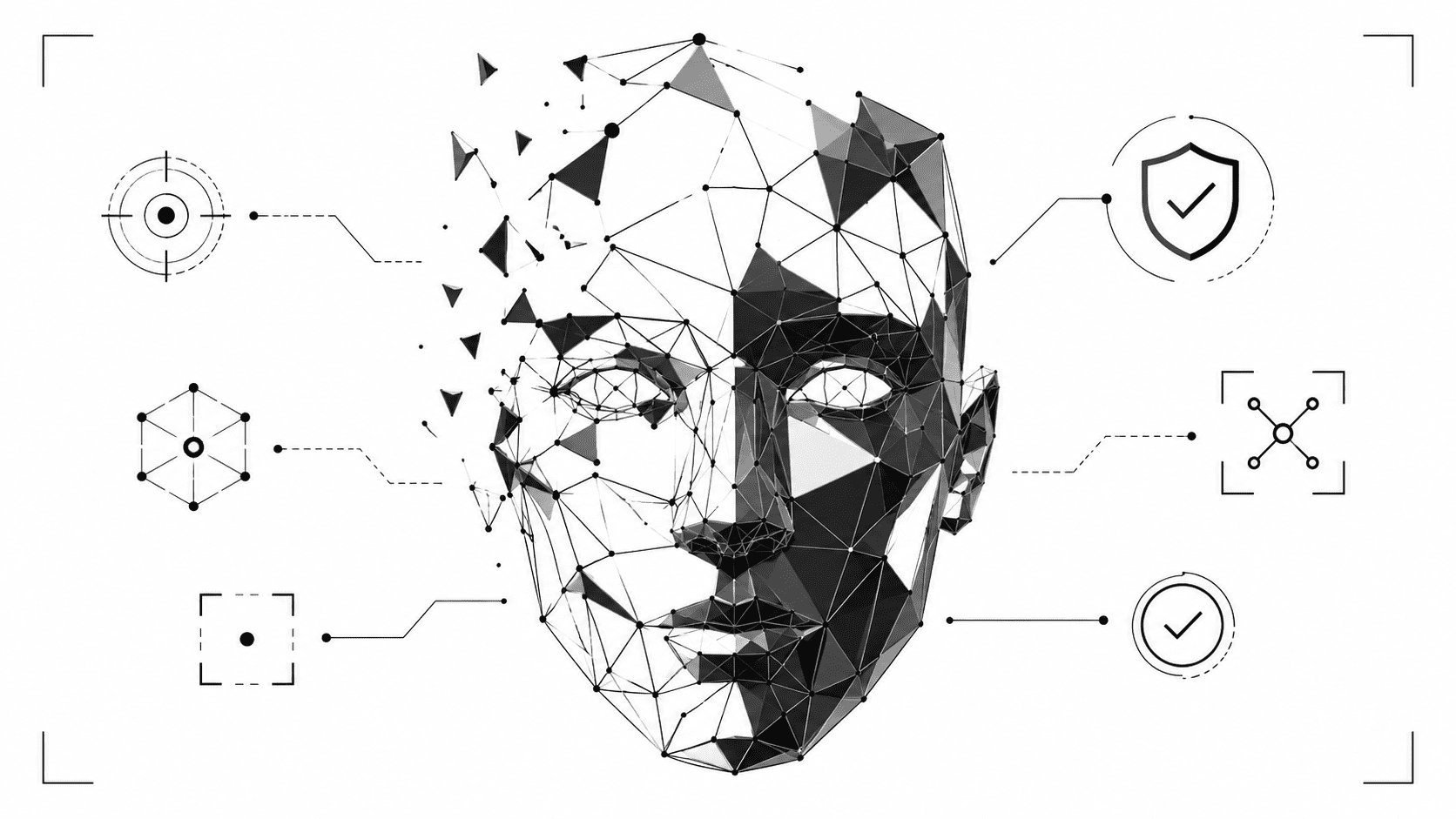
AI-generated faces can look convincing in a thumbnail. Smooth skin, sharp eyes, perfect lighting, clean background. At first glance, the person may seem real enough to belong on a social profile, a dating app, a news article, or a brand campaign. The trouble starts when you zoom in.
The most common mistakes in AI-generated faces usually hide in tiny details: asymmetry, strange skin texture, mismatched eyes, distorted ears, broken teeth, odd hairlines, and reflections that do not follow the scene. A fake portrait rarely fails everywhere at once. It slips in small places.
Why AI-generated faces can fool people
Human beings read faces quickly. We notice emotion before structure. A confident smile, direct eye contact, or soft lighting can make a fake portrait feel trustworthy. AI image tools use that instinct against us. They create a face that feels familiar, then hope we do not inspect the details.
That is why learning to spot AI faces requires a different habit. Do not judge the whole image first. Break the face into zones: eyes, skin, teeth, ears, hair, neck, accessories, lighting, and background. Each area can reveal a clue.
Eyes that look almost right
Eyes are one of the strongest places to check. In real photos, both eyes usually share the same lighting logic. Reflections match the scene. Pupils point in a believable direction. Eyelids, lashes, and shadows work together.
In AI portraits, one eye may look sharper than the other. The catchlights may appear in different positions. The gaze may feel slightly empty, as if the person is looking through the camera rather than at it. Sometimes the eyes look beautiful but disconnected from the facial expression.
Eye-related red flags
- Reflections that do not match between both eyes.
- One iris sharper, larger, or more detailed than the other.
- Uneven eyelids or strange lash patterns.
- Gaze direction that feels unfocused or unnatural.
- Glassy eyes with little emotional depth.
Facial asymmetry that feels unnatural
Real faces are not perfectly symmetrical. A small difference between both sides of the face is normal. AI mistakes feel different. They can create AI asymmetry glitches that look subtle at first, then become obvious when you compare both sides.
One cheek may appear fuller than the other without a natural reason. One eyebrow may sit too high. One side of the smile may stretch strangely. The nose may point one way while the mouth sits at another angle. These flaws matter because AI often builds a face that looks plausible locally, but not perfectly coherent as a whole.
Skin that looks too smooth or too strange
Skin texture gives many fake portraits away. AI often creates faces that look airbrushed, waxy, or overly polished. Pores may vanish. Fine lines may disappear. The skin may have a soft plastic quality, especially around the cheeks, forehead, and nose.
Other images go in the opposite direction. They add random texture that does not behave like real skin. You may see blotches, odd speckles, or painterly patches that look like texture from a distance but lose meaning when enlarged.
These artificial intelligence facial flaws can be easy to miss on mobile screens. Zoom in before trusting a portrait, especially if the image appears on a suspicious profile or in a context where identity matters.
Teeth and smiles that break the illusion
Smiles are hard to generate cleanly. Teeth need structure, spacing, depth, shadows, and alignment. AI can create a bright smile, but it often struggles with individual teeth.
Look for teeth that blend into a single white band. Some may be too small, too repeated, or oddly shaped. The gumline may disappear. The corners of the mouth may look smudged. A smile can seem convincing at first, then turn strange once you inspect the mouth.
- Teeth that merge together.
- Missing separation between individual teeth.
- Unnatural whiteness or repeated tooth shapes.
- Blurred mouth corners.
- Smile lines that do not match the cheeks or eyes.
Ears, hairlines, and jawlines deserve attention
Many people forget to check ears. That is a mistake. AI-generated ears often look melted, unfinished, mismatched, or partly hidden by hair in a convenient way. One ear may have clear structure while the other looks like a soft fold.
Hairlines can also expose fake portraits. Hair may blend into the forehead. Strands may vanish into the background. Facial hair can shift texture from one area to another. A beard may look detailed around the chin, then turn blurry near the cheeks.
The jawline can reveal blending problems too. If the face appears too smooth around the chin, neck, or side of the head, treat it as a warning sign.
Accessories that do not follow reality
Glasses, earrings, necklaces, hats, and collars create extra problems for AI systems. A pair of glasses may have uneven frames. One lens may reflect light differently from the other. Earrings may not match. A necklace may disappear into the skin or stop halfway across the neck.
These are classic GAN anomalies and generation artifacts: small structural mistakes that appear when the model creates a realistic-looking object without fully understanding how it should work in three-dimensional space.
Fake portrait red flags in context
A portrait does not need visual flaws to be suspicious. Context matters. Many fake profiles use AI-generated faces because they cannot be traced to a real person. If an account has one polished headshot, no candid photos, no tagged history, and generic posts, be cautious.
Watch for fake portraits red flags such as a perfect profile photo paired with vague biography details, stolen-looking job titles, sudden direct messages, investment pitches, romance scams, or requests for personal information. The face may be only one part of the manipulation.
Use a verification tool when the face matters
Visual inspection helps, but it does not catch everything. Modern AI faces can pass a quick human check, especially after resizing, cropping, or compression. When identity matters, use a second layer of analysis.
You can test suspicious portraits with Veriflai’s AI image detector for checking whether a face or image may be AI-generated. A detection result should not replace your judgment, but it can support a stronger decision when combined with source checking and visual review.
A quick checklist for AI-generated faces
- Zoom in on the eyes and compare reflections.
- Check facial symmetry without expecting perfection.
- Look for waxy, plastic, or inconsistent skin texture.
- Inspect teeth, mouth corners, and smile lines.
- Compare both ears and the hairline.
- Check glasses, jewelry, collars, and facial hair.
- Review the profile or source where the portrait appears.
- Use a detection tool when the image feels suspicious.
The best way to catch AI-generated faces is to stack clues. One odd ear could be a bad angle. One smooth cheek could be retouching. But mismatched eyes, strange teeth, waxy skin, broken accessories, and a weak source tell a stronger story. Look slowly. Zoom in. Verify before you trust the face staring back at you.