How to Recognize Deepfake Video
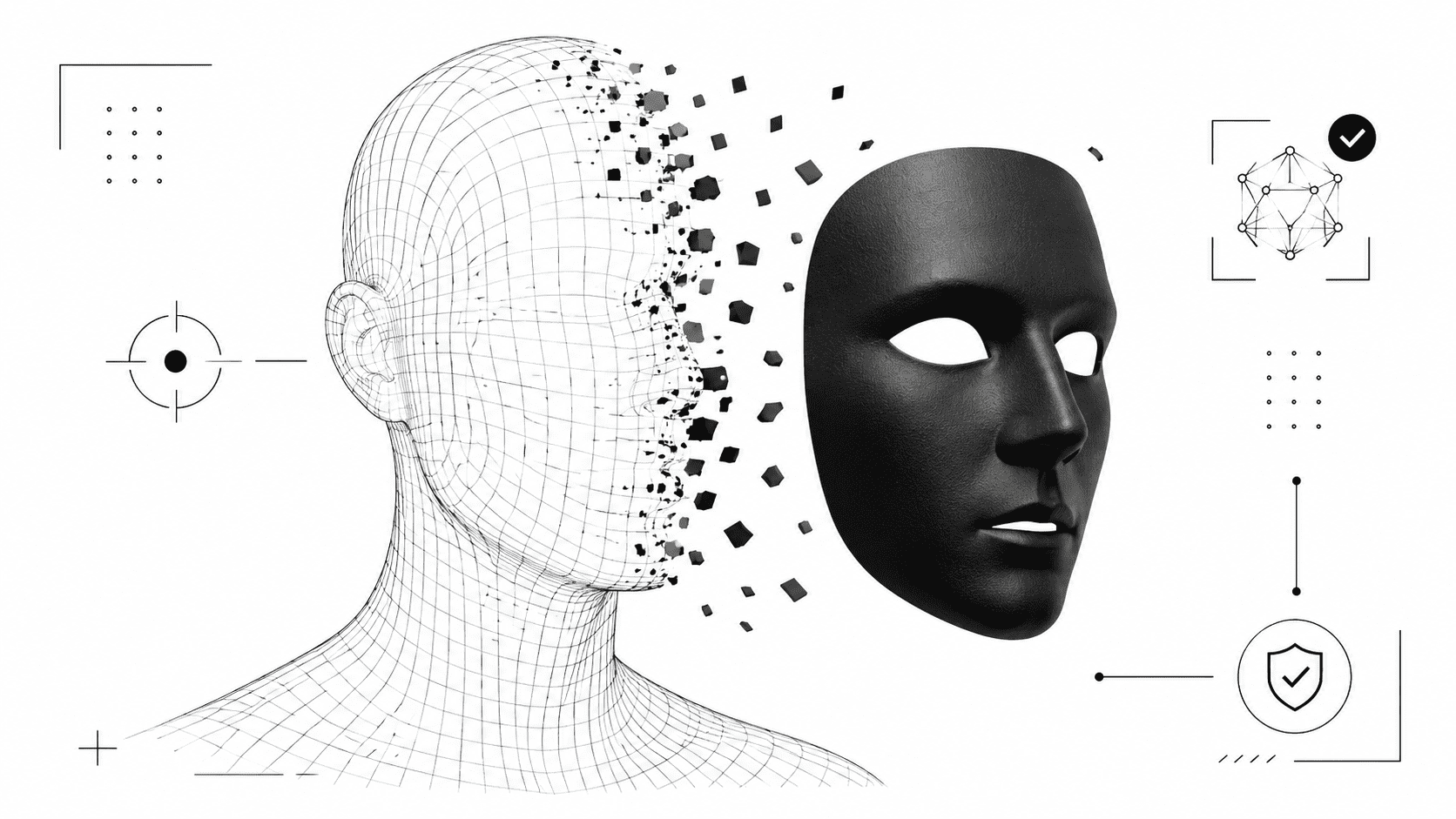
Deepfake videos can look casual, polished, funny, shocking, or painfully convincing. A public figure appears to say something explosive. A celebrity face shows up in a clip they never filmed. A stranger’s face gets placed onto another body. The result can travel fast, especially when the video triggers anger, fear, or curiosity.
Learning how to recognize deepfake video means slowing the clip down and looking for patterns. One strange frame does not prove manipulation. Poor compression, bad lighting, or a low-quality camera can create weird effects too. But when several clues appear together, the risk becomes much harder to ignore.
Start by watching the face edges
Most deepfakes focus on the face. That is also where many mistakes appear. Watch the border between the face and the rest of the head: jawline, ears, hairline, neck, and cheeks. A manipulated face may look pasted on, even if the effect feels subtle.
Pause the video during movement. When the person turns their head, laughs, lowers their chin, or looks sideways, the illusion may weaken. Face-swapping tools often struggle with angles, shadows, facial hair, earrings, and hair covering part of the face.
Face-swapping clues to inspect
- Blurred or flickering jawline during head movement.
- Skin tone differences between the face and neck.
- Hairline that shifts or melts between frames.
- Ears that look mismatched or poorly blended.
- Face shape that changes slightly when the person moves.
Check the eyes and blinking pattern
Eyes reveal a lot. Real people blink, squint, glance away, and react to light in small, natural ways. Deepfake videos can miss those micro-behaviors. The eyes may look glassy, too still, or strangely disconnected from the emotion in the voice.
Look at reflections inside the eyes. Do both eyes catch light from the same direction? Does the person’s gaze match their head position? If the eyes stay locked while the head moves, or if one eye seems sharper than the other, you may be looking at biometric glitches.
Study the mouth and speech timing
Lip sync gives many manipulated videos away. The mouth may form sounds a fraction too late. Teeth may appear and disappear unnaturally. The tongue may look blurred or absent. A smile may stretch without moving the cheeks in a believable way.
To spot deepfakes, replay short sections with speech. Watch words that require clear lip shapes, such as “b,” “p,” “m,” “f,” and “v.” If the lips do not match those sounds, the video deserves more scrutiny.
Look for unnatural facial expressions
Real expressions involve the whole face. A genuine smile changes the cheeks and eyes. Anger affects the brow, jaw, and mouth. Surprise changes the eyelids, forehead, and posture. Deepfakes sometimes animate one area well while other parts remain too calm.
A manipulated clip may show a mouth smiling while the eyes stay flat. Or the eyebrows may move, but the forehead texture does not react. These small disconnects count as useful video manipulation signs.
Watch the neck, shoulders, and body language
A convincing face does not guarantee a convincing body. Deepfake clips can focus so heavily on facial replacement that the rest of the body feels ignored. The head may move with energy while the shoulders barely respond. The neck may not flex naturally. Clothing may not react to motion.
Check whether gestures match the voice. Does the person sound excited while sitting stiffly? Does the head turn without the collar moving? Does the body belong to someone with a different posture, age, or build? These mismatches help you identify face swapping.
Inspect lighting, shadows, and reflections
Lighting should remain consistent across the scene. A face added or altered by AI may carry different brightness, contrast, or shadow behavior than the rest of the video. The face can look too smooth, too sharp, or strangely lit compared with the neck and background.
Reflections also matter. Glasses, windows, mirrors, shiny tables, and phone screens can expose errors. If a person wears glasses, the reflections should move with the head and match the environment. If the reflection shows odd shapes or fails to follow the face, take that seriously.
Check the audio for emotional mismatch
Deepfakes often pair synthetic or edited visuals with manipulated audio. Listen for breathing, pauses, tone, and rhythm. A cloned voice may sound clean but slightly lifeless. It may miss natural hesitation, mouth noise, or emotional weight.
Compare the voice with the face. A serious statement should not come with a frozen expression. A laugh should affect the cheeks, eyes, shoulders, and breath. When the voice and face seem to perform different emotions, the clip may have been manipulated.
Use AI video forensics when the clip matters
Human eyes can catch many problems, but modern deepfakes can hide their tracks well. That is where AI video forensics helps. Detection systems can analyze frame consistency, facial landmarks, compression patterns, motion behavior, and other signals that viewers may miss.
You can run suspicious footage through Veriflai’s deepfake detector for analyzing whether a video may contain face swapping or manipulation. Treat the result as one layer of evidence. The strongest checks combine tool analysis with source verification, reverse search, and careful viewing.
Check the source and surrounding context
A deepfake rarely arrives with perfect context. It may come from a new account, a repost page, a political fan page, a meme account, or a vague caption with no original source. Before believing the clip, ask where it came from and who benefits from spreading it.
- Search for the original upload.
- Check whether reliable outlets reported the same event.
- Look for alternate camera angles.
- Compare the clip with known footage of the person.
- Watch for cropped videos that hide context.
- Be careful with clips posted during scandals, elections, or breaking news.
Use a simple deepfake checklist
When a video feels suspicious, do not rely on instinct alone. Use a short routine.
- Replay the clip and pause during facial movement.
- Inspect the jawline, hairline, ears, neck, and skin tone.
- Check blinking, gaze direction, and eye reflections.
- Compare lip movement with the spoken words.
- Watch shoulders, hands, posture, and clothing movement.
- Study shadows, lighting, and reflections.
- Verify the source before sharing.
- Use a deepfake detection tool for a technical second opinion.
Knowing how to recognize deepfake video comes down to pattern recognition. One blurry jawline could come from compression. One awkward pause could come from editing. But when you see facial blending errors, weak lip sync, strange lighting, biometric glitches, and a suspicious source, you have enough reason to stop, verify, and avoid spreading the clip.