How to Detect an AI-Generated Video
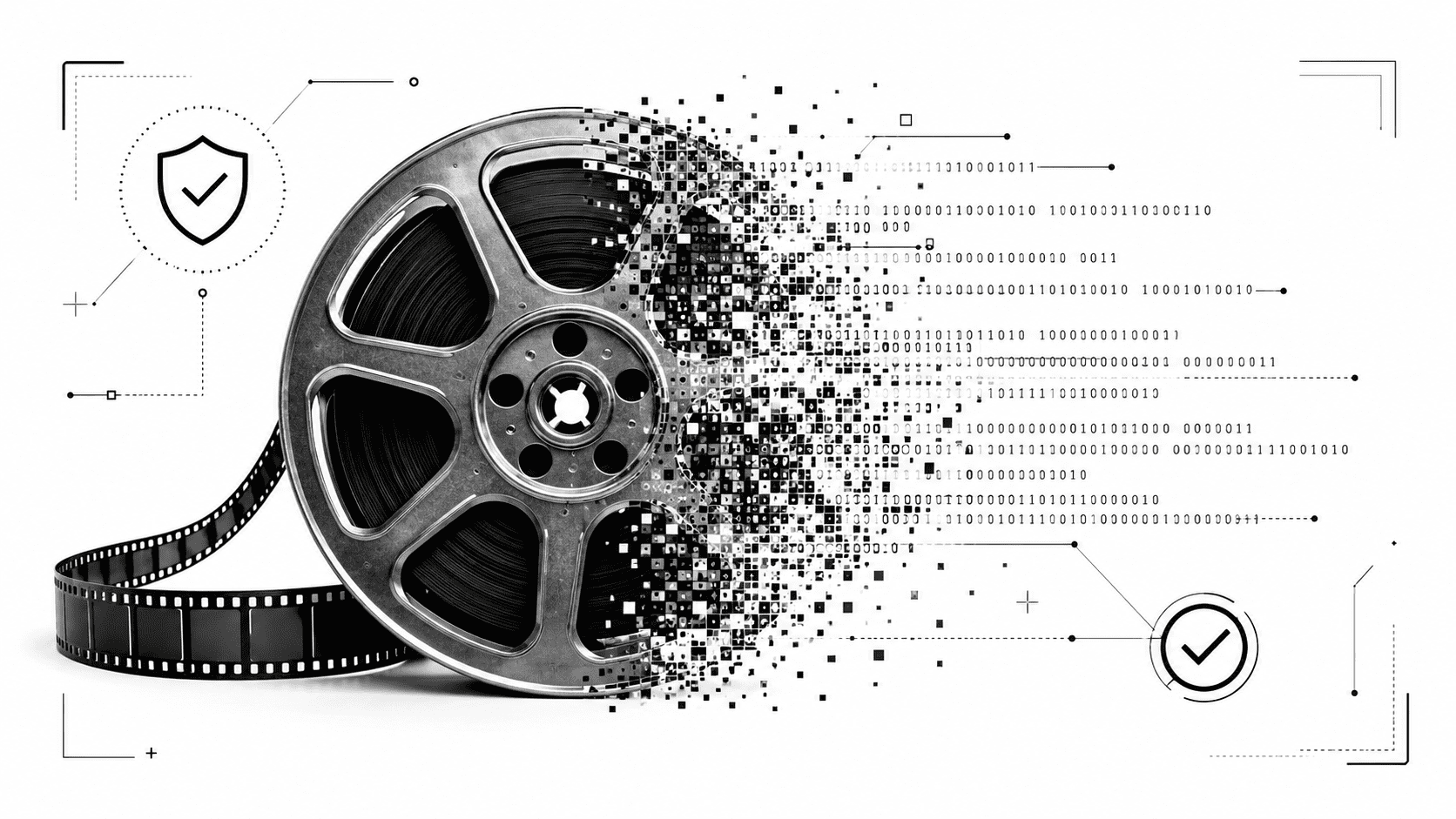
AI-generated video is no longer a strange internet trick. It can imitate faces, voices, body movement, interviews, product demos, news clips, and even casual phone footage. Some videos look polished. Others look messy on purpose, because low quality can hide mistakes. That makes the question more urgent: how to detect AI-generated video before it spreads?
The answer starts with careful observation. You do not need to be a video forensics expert to catch many warning signs. You need to slow down, watch the clip more than once, and inspect the parts most viewers ignore: blinking, mouth movement, lighting, shadows, background motion, audio sync, and source credibility.
Start with the face, but do not stop there
Most people look at the face first, especially in a suspected deepfake. That is smart. Faces often reveal subtle problems. The skin may look too smooth, the eyes may appear slightly glassy, or the cheeks may move in a way that does not match natural speech.
To spot deepfake video, pause the clip at different moments. Look at the edges of the face, especially around the jawline, hairline, ears, and neck. AI-generated or face-swapped videos can create small distortions where the synthetic face blends into the real footage.
Facial signs worth checking
- Unnatural blinking or very little blinking.
- Eyes that seem unfocused or slightly misaligned.
- Skin texture that looks too waxy or too flat.
- Jaw movement that feels disconnected from speech.
- Blurred edges around the face, ears, or hair.
- Expressions that change too smoothly or too suddenly.
Watch the mouth and listen to the voice
Mouth movement is one of the strongest clues when you want to identify fake videos. In a real recording, lips, teeth, tongue, cheeks, chin, and voice all work together. In an AI-generated video, the mouth may almost match the words, but not perfectly.
Look for tiny delays. Does the speaker pronounce a word while the lips form a different shape? Do the teeth appear and disappear strangely? Does the tongue look blurred, missing, or oddly still? These flaws may only show up for a split second, so replay short sections carefully.
Audio matters too. A synthetic voice can sound clean but emotionally flat. Breaths may be missing. Pauses may feel unnatural. The tone may not match the facial expression. A person who looks angry should not sound calm and polished, unless the context explains it.
Check body movement and gestures
Real humans move imperfectly. Shoulders shift. Hands interrupt speech. The head tilts slightly. Clothing reacts to movement. AI video often struggles to keep all of these details consistent across frames.
Watch the hands. They may blur, merge, or change shape during motion. A finger might disappear behind a cup and come back looking different. A hand gesture may start naturally, then collapse into a soft shape before the clip cuts away.
Body language can also feel oddly disconnected. The face may speak with energy while the shoulders stay frozen. Or the head may move, but the neck and collar do not respond naturally. These synthetic media anomalies are easy to miss when the clip moves quickly.
Look for background glitches
AI-generated videos often focus most of their detail on the subject. The background may receive less attention, which makes it a useful place to inspect. Watch objects behind the speaker. Do they stay stable? Do they flicker, bend, or shift between frames?
- Posters or signs that change shape during the clip.
- Background people with warped faces or strange motion.
- Furniture edges that shimmer or wobble.
- Reflections that do not match the subject’s movement.
- Shadows that move in the wrong direction.
A fake video may look convincing in one paused frame. The illusion can break when you watch how details move over time.
Study lighting, shadows, and reflections
Light has rules. If a lamp sits on the right side of the frame, shadows should behave accordingly. If someone walks past a reflective window, the reflection should respond. If glasses catch light, both lenses should make sense within the same environment.
AI-generated video may create lighting that looks cinematic but physically inconsistent. A face may brighten while the room stays unchanged. A shadow may lag behind movement. A reflection may show a shape that never appears in the scene. These are classic clues used in basic video forensics.
Check the source before believing the clip
A suspicious video does not exist in a vacuum. Who posted it? Where did it first appear? Is the account known for reliable reporting, satire, political bait, scams, or recycled content? A dramatic clip from an anonymous account deserves more skepticism than footage published by a named journalist, official organization, or traceable creator.
Search for the same video elsewhere. Look for coverage from credible sources. If the clip shows a public event, there should often be other angles, witnesses, official statements, or related footage. A single viral video with no origin story should slow you down.
Use AI video detection tools as a second layer
Human inspection helps, but modern synthetic video can fool careful viewers. This is where AI video detection tools become useful. They can analyze patterns across frames, compression traces, facial consistency, motion behavior, and other signals that may not be obvious to the eye.
You can analyze suspicious footage with Veriflai’s AI video detector for checking whether a video may be AI-generated or manipulated. Use it as part of a broader verification process, not as the only answer. A detector result works best when combined with visual inspection, source checking, reverse search, and common sense.
Use a simple checklist before sharing
When a video feels suspicious, run through a quick routine before you repost it, publish it, or use it as evidence.
- Replay the video at least twice.
- Pause on the face, mouth, hands, and background.
- Check whether the voice matches the lips and emotion.
- Look for flickering edges, warped objects, or unstable details.
- Compare shadows, reflections, and lighting.
- Search for the original source or other versions.
- Use a detection tool for an extra technical signal.
Learning how to detect AI-generated video is not about finding one perfect clue. One blurry hand may come from compression. One odd pause may come from editing. But when the mouth feels off, the background shifts, the source is weak, and a detector raises concern, you have a pattern worth taking seriously.
AI video will keep improving. Your best defense is patience. Watch closely, verify the origin, use the right tools, and do not give suspicious clips the speed they need to mislead people.